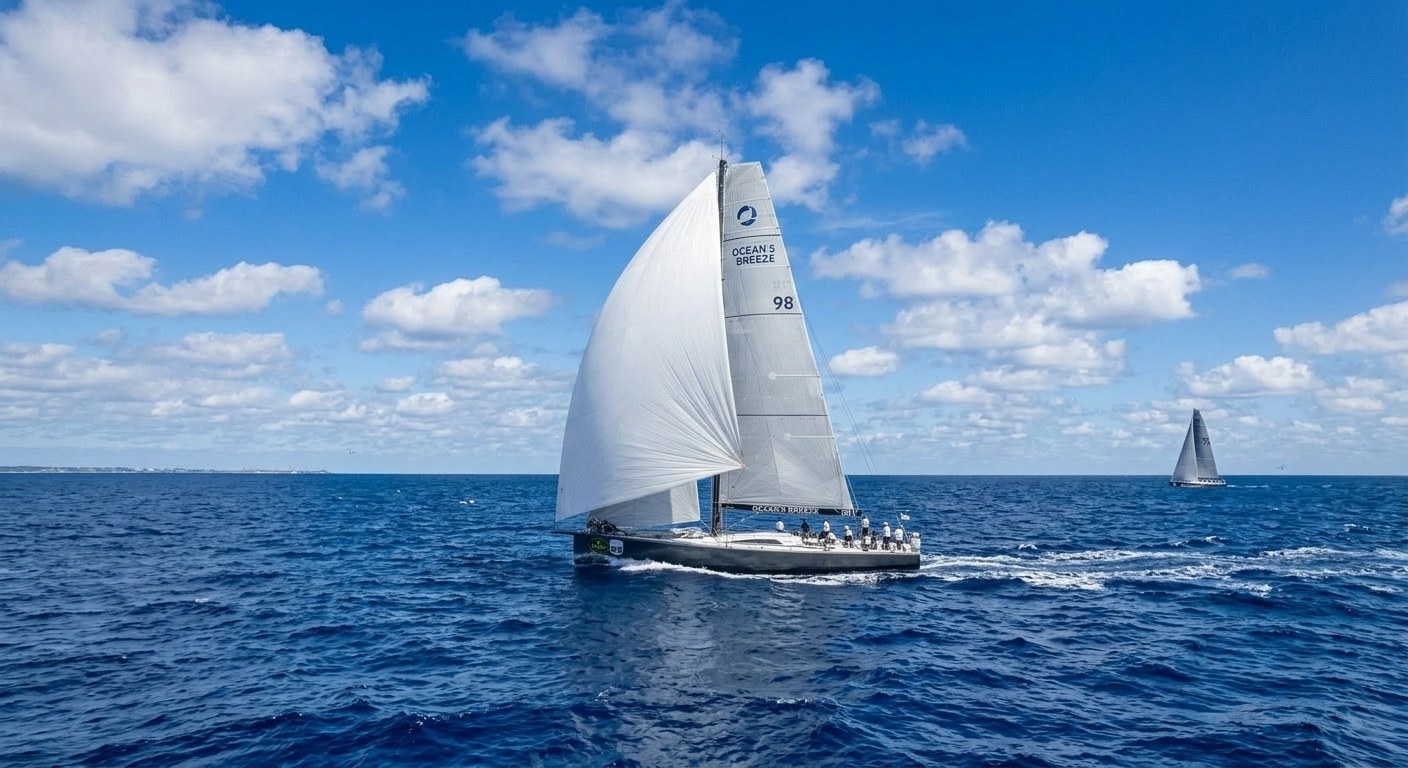
Master the Elements. Precision Analysis for the Modern Mariner.
The ultimate post-trip analysis platform for GPS tracks and NMEA logs. Replay every moment and unlock scientific insights into your boat's performance.
Engineered for Performance
Turn raw GPS and NMEA data into actionable sailing intelligence with our high-fidelity reconstruction engine.
Deep Log Analysis
Replay every passage with speed-over-ground context, distance travelled, time on the water, and wind-aware gauges built from your trip data.
Vessel & Crew Management
Manage your vessel in one place, invite crew to join your shared workspace and keep trip photos attached to every passage.


Historical Environmental Context
Automatic enrichment of your logs with historical weather. Correlate your performance with wind speed, wind gust, tide, and wave height from the time of your trip.
AI Sailing Captain
Turn race tracks, wind angles, tack geometry, VMG, and polar data into clear coaching. Wake Logger analyses each leg, surfaces performance patterns, and delivers practical recommendations for helm, trim, setup, and crew. Made for sailors by sailors.
Subscribe to AI Sailing Captain with monthly or annual billing.
Interpret routes, speeds, timings, wind context, and onboard records to explain what happened on the water.
Surface key moments, anomalies, tack losses, and performance trends in seconds instead of digging through charts manually.
Turn historical trip data into practical guidance for technique, vessel setup, crew coordination, and map annotations with your own custom marks.
Add your own marks directly on the trip map to capture tactical notes, race references, hazards, and key moments.
| Leg | Duration | Distance | Heading | Turn | Avg Speed | Avg VMG | Stability |
|---|---|---|---|---|---|---|---|
L1 | 0.0 min | 0.00 NM | 76° | - | 6.33 kn | 3.55 kn | 99 (0.3°) |
L2 | 18.3 min | 1.82 NM | 83° | 7° SB | 5.91 kn | 3.75 kn | 87 (4.7°) |
L3 | 10.5 min | 1.26 NM | 45° | 38° PT | 7.10 kn | -0.44 kn | 89 (3.8°) |
Global Qualification & Sea-Time Support
A professional-grade system designed to meet the rigorous requirements of maritime licensing and certifications. Built for career mariners and dedicated yachting enthusiasts.
Automated Sea-Time Evidence
Logs trip dates, durations, routes, and distances in one secure digital repository.
Detailed Operational Records
Captures conditions like wind, wave, tide, and speed for a clearer, validated record.
Contextual Proof
Links photos and trip notes to each voyage for indisputable verification.
Organized Progress Tracking
Keeps vessel and trip history organized specifically for qualification requirements.
Structured Multi-Vessel Records
Supports complex records across different vessels, owners, and crews.
Searchable Voyage History
Makes past voyages easily reviewable for applications and professional resumes.
Professional Audit Trail
Provides a cleaner, verifiable audit trail than standard spreadsheets or paper notebooks.
Collaborative Record Keeping
Helps maintain shared records for easy third-party confirmation by skippers or owners.
Supported Vessel Logging Sources
Wake Logger produces the best results when the track is recorded on the vessel with live instrument data. Logs from Yacht Devices and Signal K can include wind, depth, heading, engine and other onboard instrument data alongside the GPS track, which gives Wake Logger far richer replay, analytics, and historical context.
NMEA 2000 and NMEA 0183 hardware including voyage recording and Wi-Fi gateway products for capturing onboard vessel data.
An open marine data platform and onboard server ecosystem for collecting, sharing, and extending vessel instrument data.
Guru Maps
If you do not have onboard logging hardware yet, Guru Maps is a solid free way to record GPS tracks for upload to Wake Logger on iPhone and Android.
GPS-only recordings are a great starting point, but onboard instrument logs still provide the strongest replay and analytics because they capture what the vessel was doing, not just where it went.



Turn Your Logs into Racing Insights
Upload your NMEA or GPX files and start analyzing your performance like a professional tactician.